Introducing playzii 1.0
We are launching our workspace to research opportunities, organize leads and follow up with agents, tables, campaigns and a calendar.
A workspace for your sales work
Today we are introducing playzii 1.0. We have brought together the tools to research an opportunity, save what you know about a company and prepare the next contact with your team. Each workspace keeps its own data, members and permissions.
Here is a tour of our first version and the features you will find in it.
Research and agents with context
Research brings together sources and findings for you to review before adding them to your work. Agents use the context you allow them to access and present proposals for changes that require your approval.
- Research websites and companies, find public contact details, search the web and explore people, jobs and potential customers by region and language.
- Check the sources and status of each research task, save its results in tables and review the data before adding it to your leads.
- Work with the general assistant and the Exploration, Meetings, Strategy and Writing agents. Create your own agents with instructions, context and access permissions.
- Share an agent's definition with your team or the community and add shared agents to your catalog. Each person's personal context and history stay private.
Leads, tables and data preparation
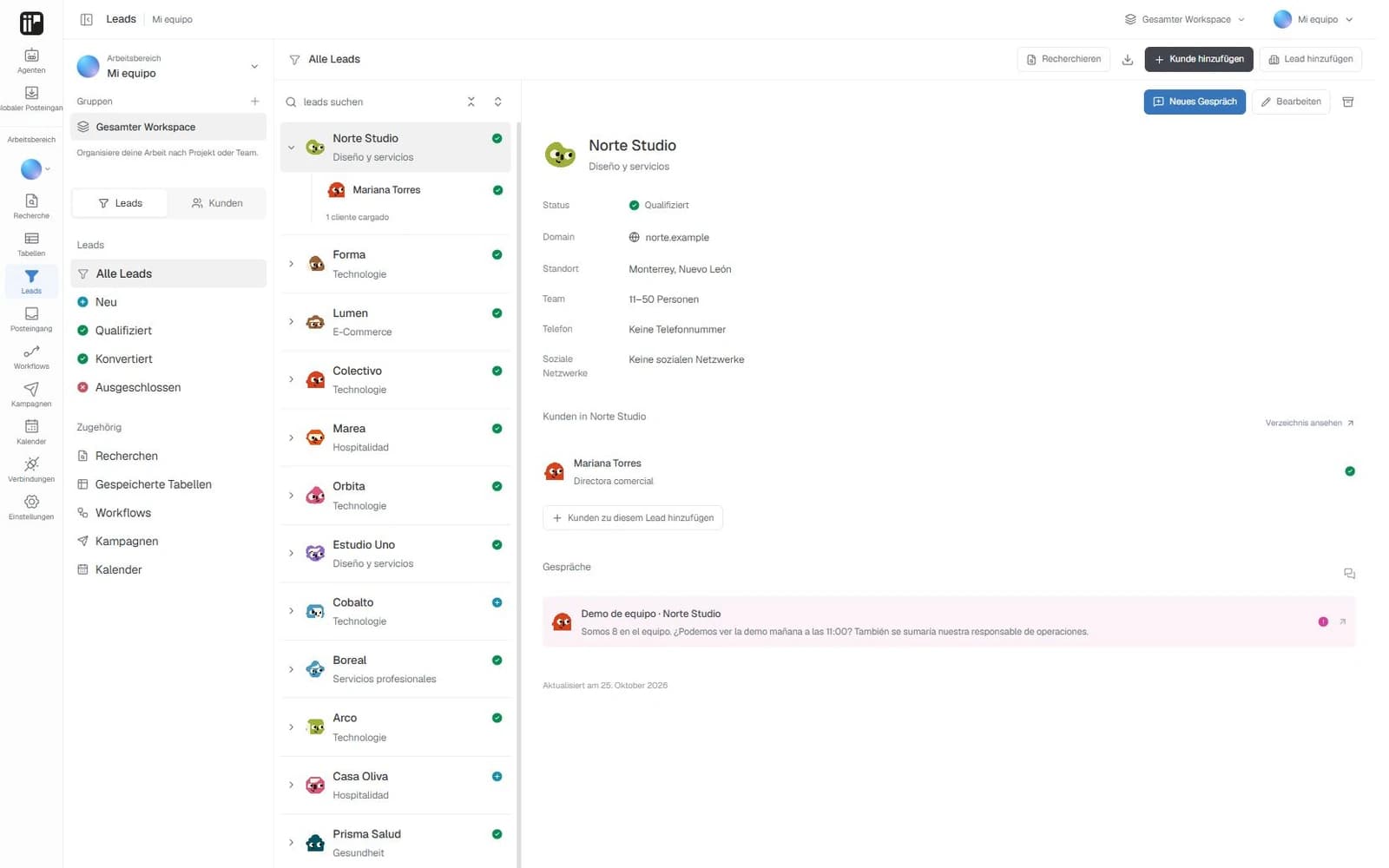
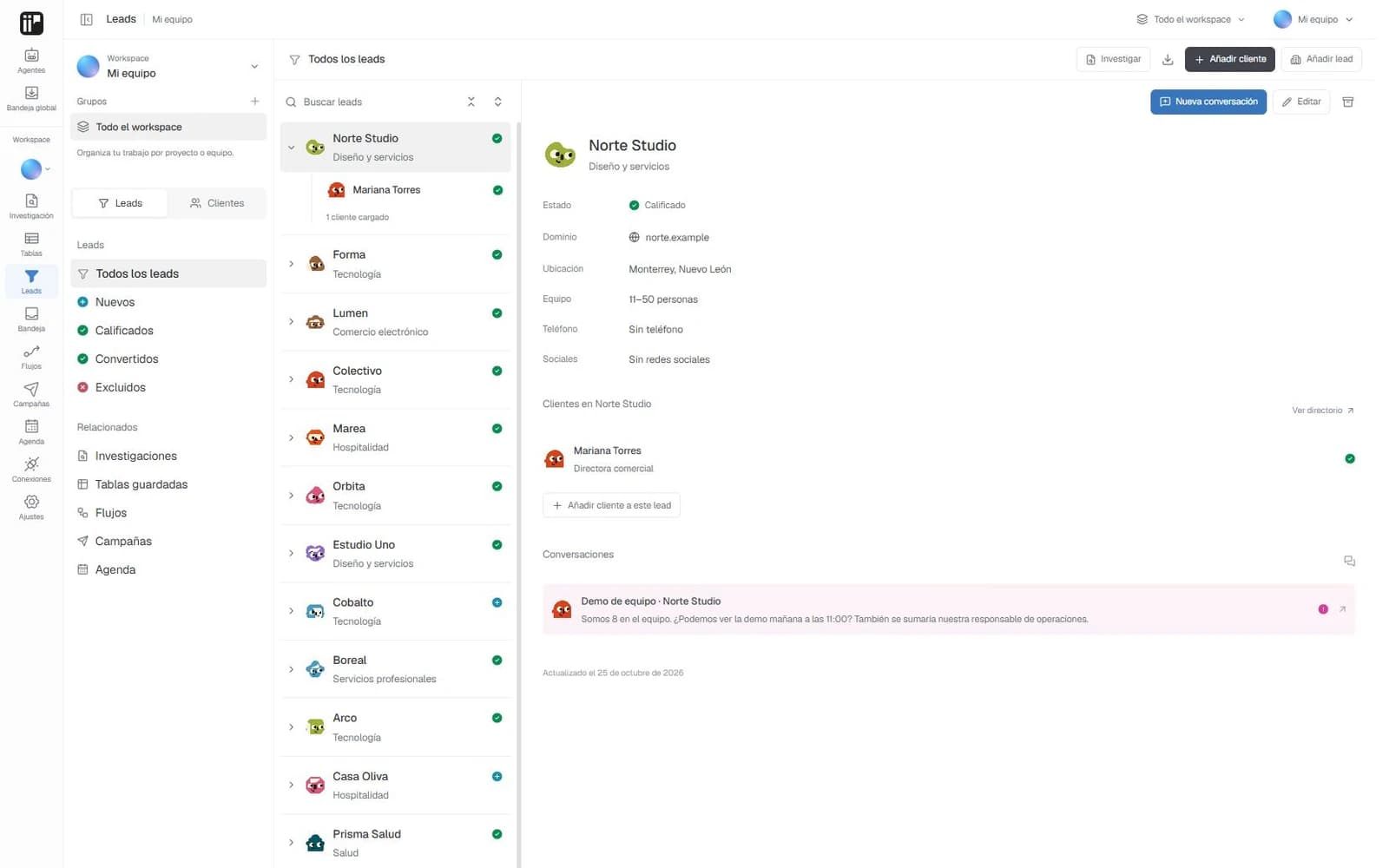
Organize the people and companies you want to work with. Tables and workflows help you review that information and keep it useful as your list grows.
- Create and edit contacts and companies, import contacts from CSV, search, filter, organize by group and archive records you no longer need in the active list.
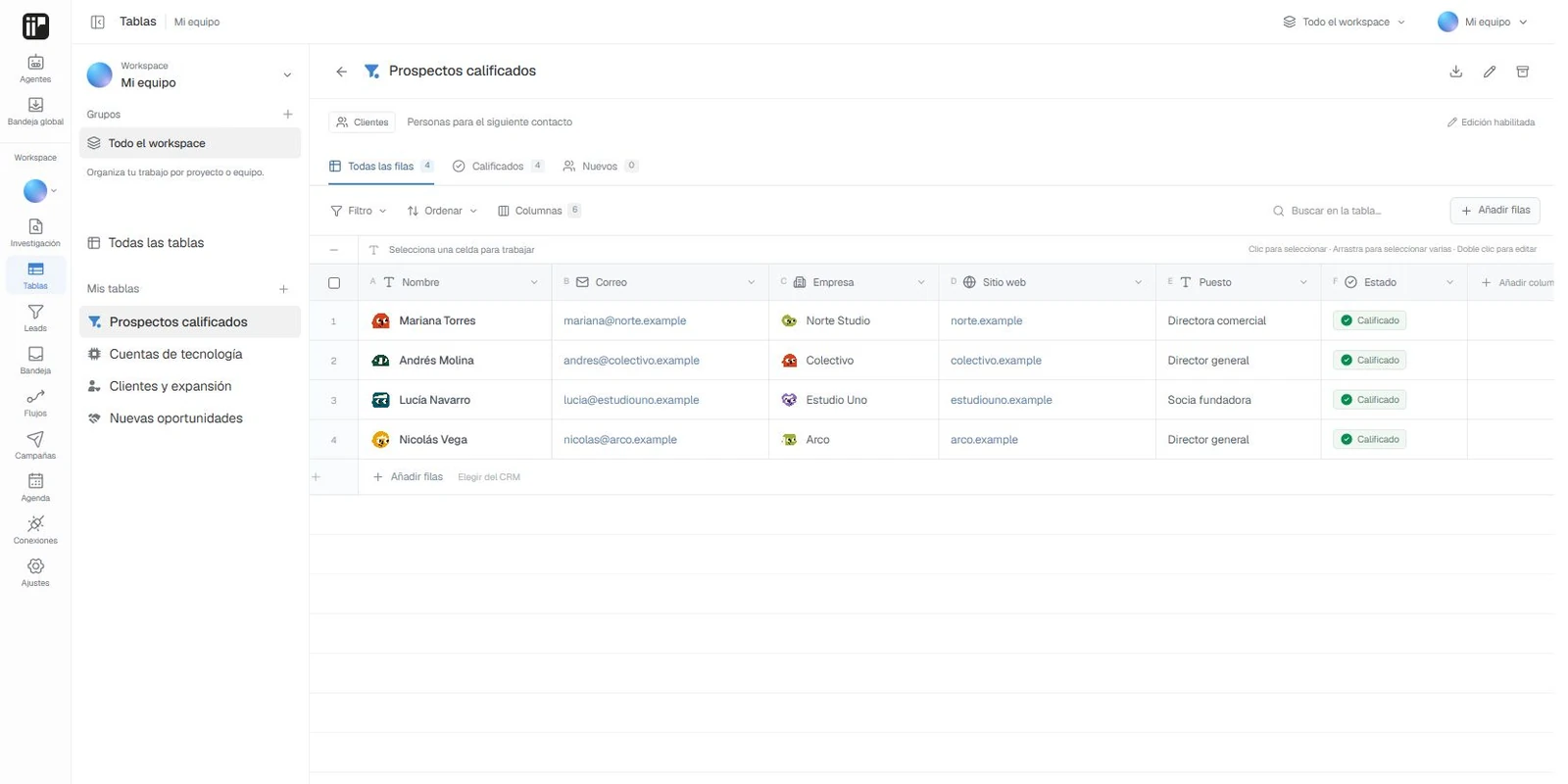
- Save tables of contacts, companies or research results, choose their columns and rows and export the loaded data.
- Prepare workflows to normalize names and email addresses, check their format and find duplicate emails. Review the steps, run the workflow and check its progress and history.
Conversations, campaigns and email
Keep the context of each conversation and prepare messages with the recipient's details. You decide when a draft is ready for the next step.
- Organize your inbox with search, filters, statuses and assignees. Add internal notes and save drafts alongside the relevant thread.
- Create campaigns with recipients, a subject and a message. Personalize the text with name and company variables and review the preview for each contact.
- Connect your Gmail, Microsoft or SMTP mailbox. When the sending service is enabled, an administrator can confirm and send an individual message from the preview or a conversation.
- Check email activity to distinguish queued messages, messages accepted by the provider and sends that need review.
Your workspace's calendar and connections
The calendar brings together playzii events and the external calendars you connect. View your meetings by month, week or day and keep the context of their participants.
- Create and edit playzii events, add participants and meeting links and download the loaded events from a view in calendar format.
- Connect Google Calendar, Outlook, iCloud and calendars compatible with CalDAV or iCalendar links. Their events are read-only. Make changes with the original provider.
- Manage workspace connections and disconnect those you no longer use. Tools that need a provider depend on its configuration and availability.
Your team and your preferences
You can work in several workspaces and give each person the access they need. The interface is available in Spanish, English, Portuguese, French, German and Italian.
- Invite your team and manage owner, administrator, editor and viewer roles. Organize work within each workspace.
- Talk in individual or group chats, within a workspace or with colleagues who share access with you.
- Check notifications about messages, activity, your team and the system, and choose which alerts you want to receive.
- Review the activity and usage of your tools, set your preferences and open help requests through Support.
We keep building from here
Automated sales sequences and receiving external messages are not part of this release yet. The channels visible in the inbox do not connect WhatsApp, social networks or an incoming mailbox on their own.
Checking an email address's format and domain does not verify that the mailbox exists or guarantee delivery. Research results keep their sources and may be incomplete. We will announce new capabilities here as they become available.